Just choose dates
Pick a start and end date.
No need to hunt photo by photo.
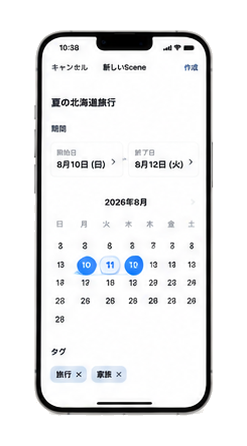
No need to pick photos one by one.
Set a date range, and the photos
and videos from those days form a Scene.

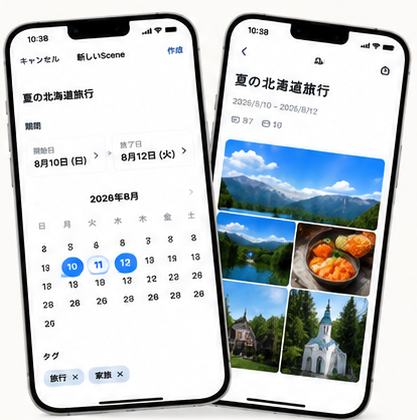
Pick a start and end date.
No need to hunt photo by photo.
Media from the period you chose
gather into one Scene.
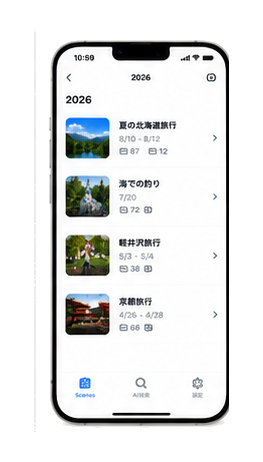
From your Scene list,
find even old memories quickly.
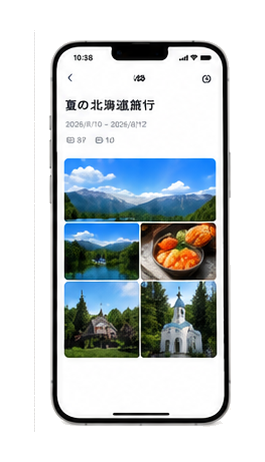
Set the dates, and photos and videos from that period come together.
You don’t need to review everything before you begin.
Trips, family time, events—organize them as Scenes.
Open memories from “that day,” not by scrolling Camera Roll.
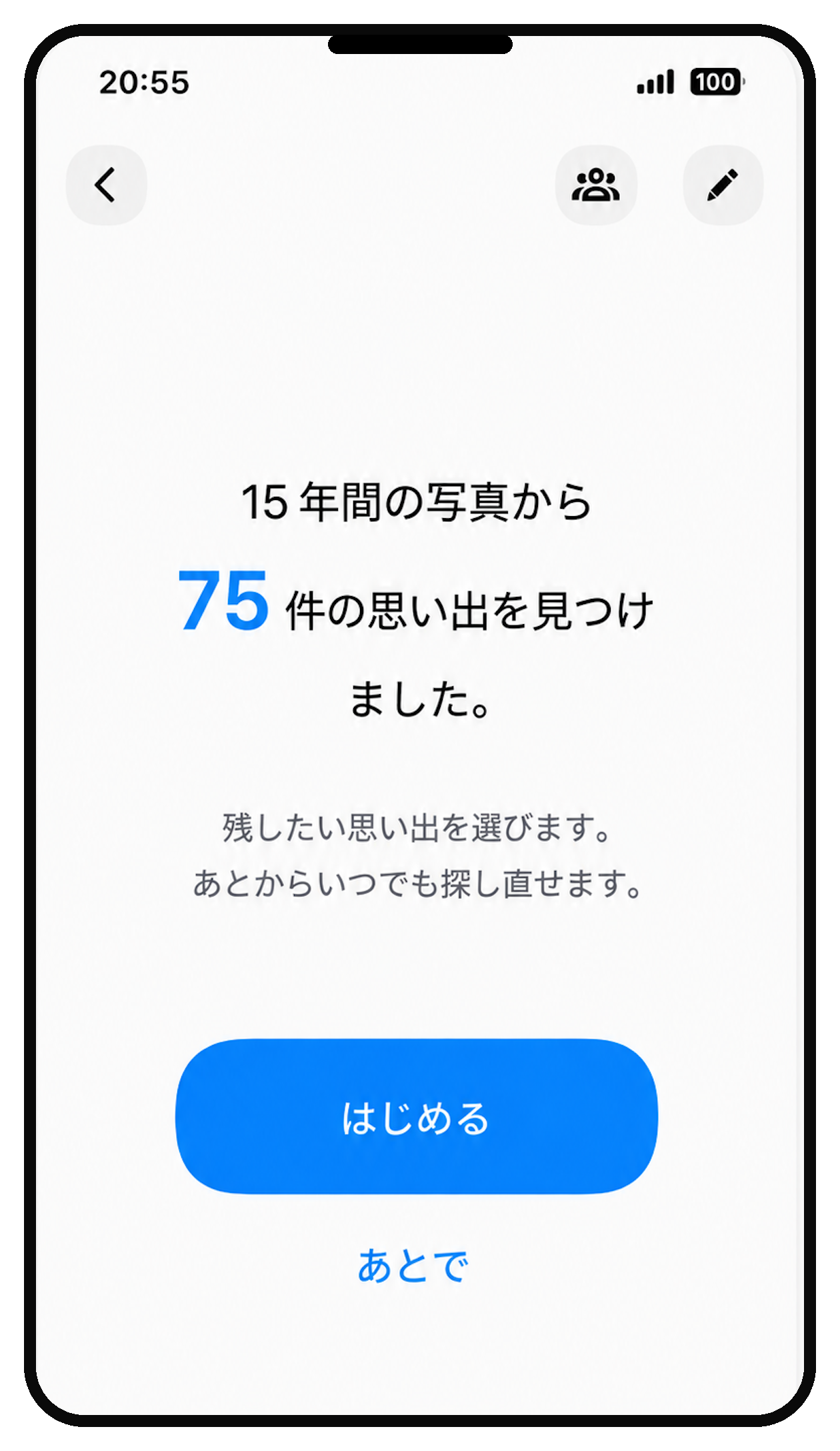
Across years of photos, it automatically looks for days
that seem like trips or events.
You only keep the ones you want.
No Scene is created without your say-so.
You don’t need to pick dozens of photos
just to make an album.
With only the dates,
an old trip or family moment
can become a Scene with ease.
For 7 days after you create your first Scene, every feature is available.
After those 7 days, Scenes you’ve already created stay viewable.
To keep creating new Scenes: Full Version for $2.99.
One purchase, yours forever.
With LifeScene, keep and revisit
the memories in your photos—simply.